Start with the useful details
Menu design that starts with a clear plan
A useful menu does two jobs at once: it helps guests choose and it feels like your restaurant. Start with the sections people need, then give the design a style that belongs to you.
Decide what a guest needs to find first
Before choosing typefaces or colors, list the decisions a guest will make. A neighborhood cafe might need coffee, breakfast, bakery, and seasonal drinks. A dinner menu might need starters, mains, sides, and desserts.
Keep the order familiar to your customers. If your most common order starts with a drink and a pastry, put those choices where a quick scan will find them.
Write your section names on a blank page. If a guest can’t predict where an item belongs, simplify the grouping before you decorate.
Make names, descriptions, and prices work together
Give each dish one clear name. Add a short description when it answers a real question, such as what comes with the dish or how it is prepared. Place the price consistently so it is easy to compare choices.
- Use the same writing style across a section.
- Keep prices aligned and check them against your current menu.
- Use photos selectively, where an image helps explain or distinguish an item.
Choose a layout for the way you’ll use it
A printed table menu, a counter price list, and a file shared in a message have different reading conditions. Before exporting, check the design at the size it will actually be viewed or printed. Look for small type, crowded sections, and long dish names that wrap awkwardly.
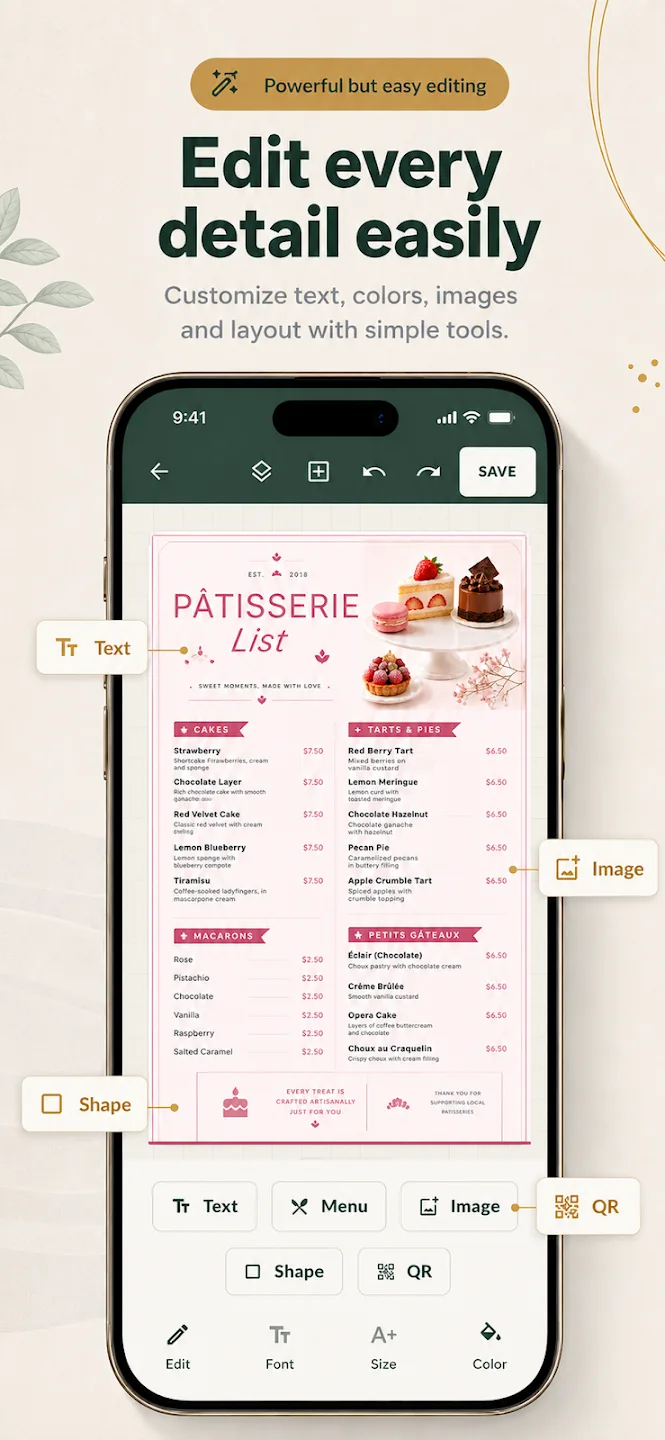
Menu Maker provides editable starting templates and controls for text, prices, colors, and images in its mobile app. It is a practical way to build the design; MenuDock does not have a web editor.
For ready-made starting points, see menu design templates, or explore the Menu Maker app.
Questions about menu design
Before you start
What makes a menu design easy to use?
Can I create a menu design in a web browser?
Can I start from a template?
Start creating
Start with a template. Make it yours.
Menu Maker is available as a mobile app for iOS and Android.