Designed for the guest experience
A digital menu begins with clear, useful information
A digital menu may be a file you share or a public page guests open on their phones. Menu Maker helps you design the menu; MenuDock online hosting is still planned.
Planned for MenuDock
A simpler way to keep a menu current
Only the first step is available today. MenuDock has not launched publishing, hosted menu pages, or permanent QR codes.
- 01 · AvailableCreate your menu
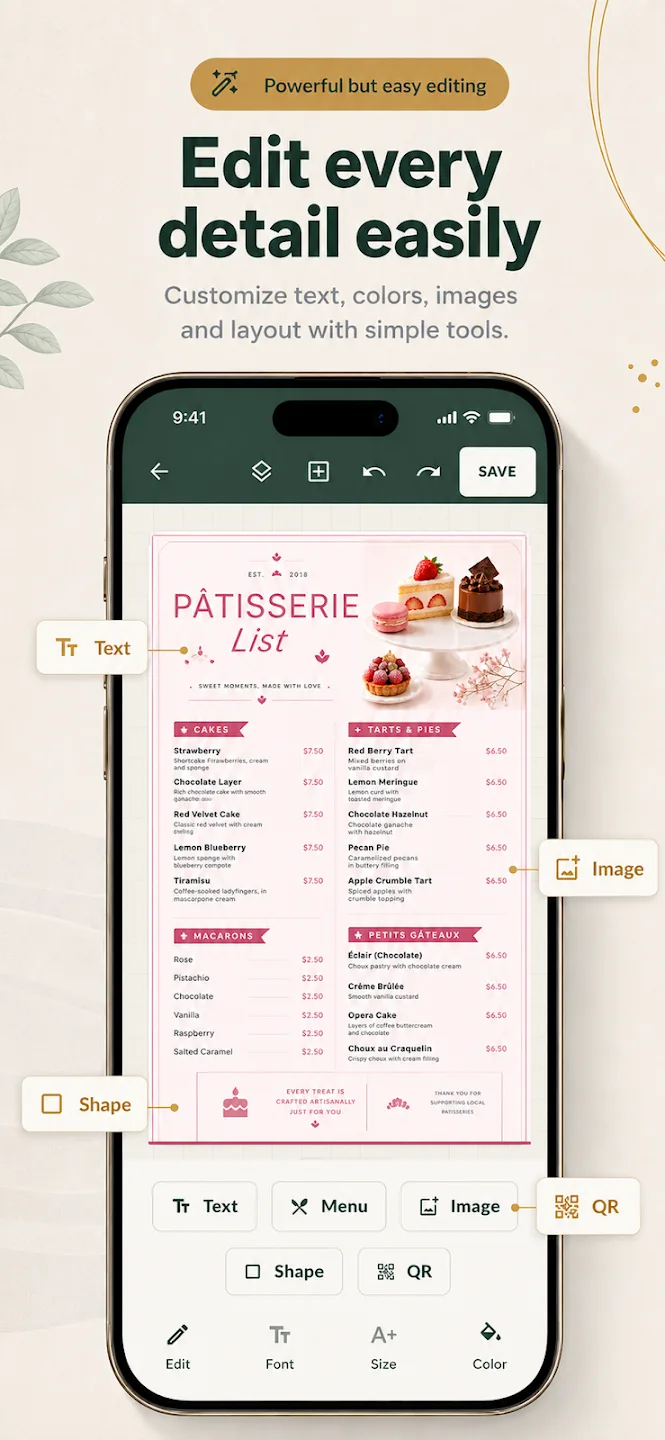
Design it with an editable template in the Menu Maker mobile app.
- 02 · PlannedPublish online
Put the approved menu on a public MenuDock page guests can open.
- 03 · PlannedGenerate a QR code
Link a printable code to the public menu page.
- 04 · PlannedUpdate the menu
Replace menu content while keeping the same public link and QR code.
Digital menu file or hosted menu page?
A menu exported as an image or PDF is a digital file: you can send it to someone or use it in a display workflow. An online restaurant menu is hosted at a public address that guests can open without receiving a file directly.
Menu Maker supports creating and exporting a design in its mobile app. MenuDock-hosted pages and a structured digital menu are planned; there is no hosted-menu backend available today.
Design for a phone-sized screen
- Use short, familiar category names so guests can find a section.
- Keep item names and prices visually distinct and consistently placed.
- Write descriptions for the detail a guest needs, such as a preparation style or key ingredient.
- Check contrast and text size on a phone before sharing an export.
For example, a small lunch cafe could separate coffee, breakfast plates, sandwiches, and bakery, then give each item a concise description.
Keep operational details accurate
Before a menu goes to guests, verify prices, ingredient notes, availability, and opening-specific offers. A digital format does not make these details correct by itself; someone still needs to review the current source menu.
Use the app to prepare a design today, then learn about the planned online restaurant menu workflow or the role of a restaurant QR menu.
Digital menu questions
Choose a useful format
What is the difference between a digital menu file and an online menu?
Can I publish a digital menu on MenuDock?
What should a readable digital menu include?
Start creating
Prepare your digital menu design.
Make a starting design in the Menu Maker mobile app.